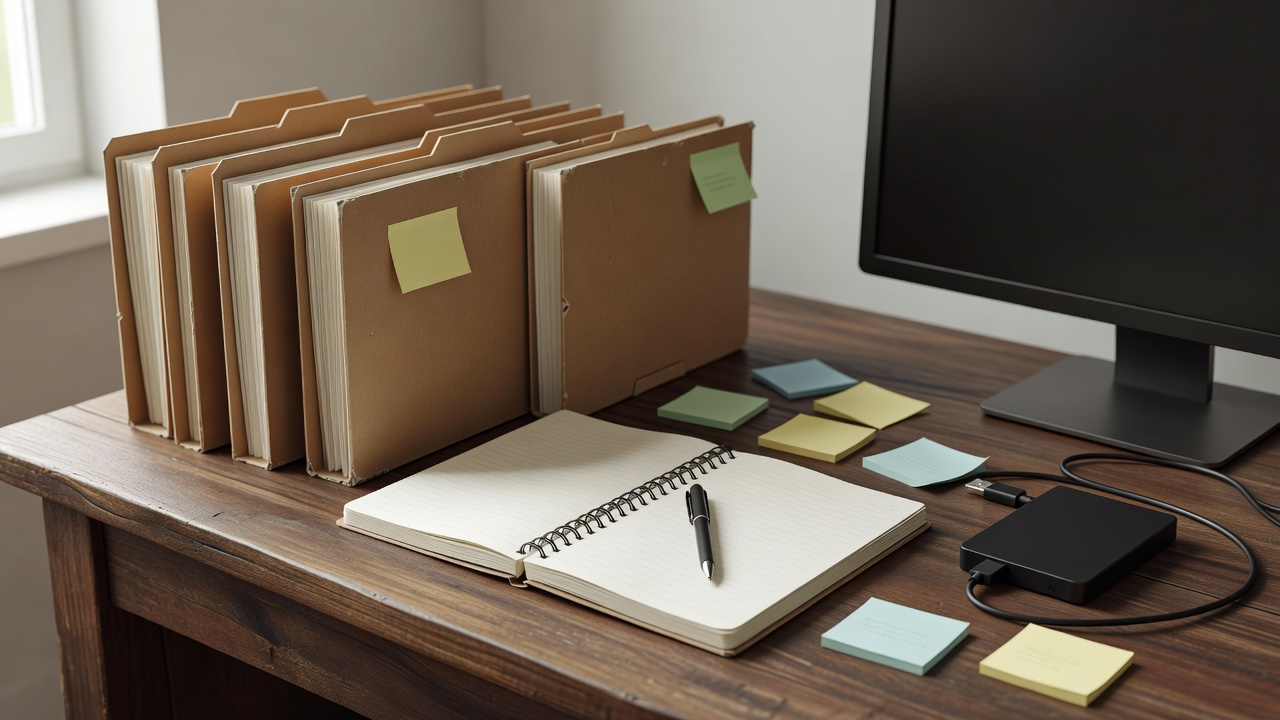
Give copies different ways to survive
A working folder on a laptop is convenient, but it shares the laptop’s risks. Theft, failure, accidental deletion and malicious software can affect the entire device. A second folder on the same drive does not protect against those events. Begin by listing where each complete copy actually lives.
The familiar 3-2-1 approach suggests three copies, across two kinds of storage, with one copy off-site. Treat it as a planning aid rather than a guarantee. What matters is independence: one mistake or incident should not destroy every copy. A disconnected external drive and a separately managed off-site copy address different risks from a single always-connected system.
Cloud synchronisation is useful, but it can synchronise deletion or corruption too. Check version history, deleted-file recovery, account recovery and retention limits. Understand whether you have a backup service, a synchronised folder or both. Do not assume that a provider’s familiar name explains its recovery behaviour.
Include the parts that make the images meaningful
Back up the catalogue, transcriptions, rights notes, folder map and README file, not only the photographs. If descriptive work lives entirely inside one application, find its export options while the application is still available. Save useful exports in documented formats and test that they contain the information you expect.
Keep masters separate from ordinary editing. Store sharing copies where relatives can use them without changing the source collection. Versioned backups can help recover earlier catalogue entries after an accidental overwrite. A simple dated maintenance log can explain when a major import, renaming operation or migration happened.
Test a return journey
A backup has practical value only if you can recover from it. Choose a few files, including an image, a multipage document and the catalogue. Restore them to a temporary folder rather than over your working collection. Open them in the intended applications and check that the descriptions still lead to the correct objects.
- Choose a small sample. Include something old and something recently added.
- Restore independently. Use the actual backup recovery process, not a file that is still present in the working folder.
- Inspect and record. Note the date, the source copy, what opened successfully and any missing context.
- Resolve the gap. Fix failed recovery before treating that copy as dependable.
Repeat after major changes, and choose a recurring interval you can realistically maintain. A reminder that you act on is better than an ambitious schedule that is silently ignored.
Use checksums as an extra warning system
A checksum is a file fingerprint calculated from its contents. A SHA-256 manifest lets you compare later files against an earlier recorded state. If a file changes unexpectedly, the comparison can reveal it. A checksum cannot tell you whether the original image was sharp, whether a name was correct or whether the file was already damaged when first checked.
Keep manifests with the archive and in independent backups. Recalculate intentionally after legitimate changes, retaining enough history to explain them. Tools that package files using the BagIt specification, RFC 8493, can combine files and manifests for transfer, though this is optional for a small home collection.
Expect formats and devices to change
Use broadly supported formats such as TIFF, JPEG, PDF/A, UTF-8 text and CSV where they fit the material. No format is permanent by itself. Keep original files when converting, document the reason for conversion and compare the result before retiring any older working arrangement.
The Digital Preservation Coalition’s Digital Preservation Handbook explains preservation as an ongoing process. The NDSA Levels of Digital Preservation provides a useful way to think about storage, integrity, control and metadata. A family archive need not imitate a large institution to benefit from those questions.
Leave a route for the next custodian
Write a short handover note: what the archive contains, where originals and copies are located, how identifiers work, who may access restricted material and whom to contact about decisions. Describe the account recovery process without placing passwords in the ordinary README.
Agree who is willing to take responsibility. Do not assume the most technically confident relative wants permanent custody. A simple conversation about ownership, access and ongoing costs can prevent the collection becoming an unexplained drive in another box.
Keep physical originals unless there is a considered reason and appropriate authority to dispose of them. Digital copies improve access, but they do not preserve every physical feature or replace every legal function. Your aim is a collection that remains understandable, with more than one route back to the evidence.
Read the archive questions