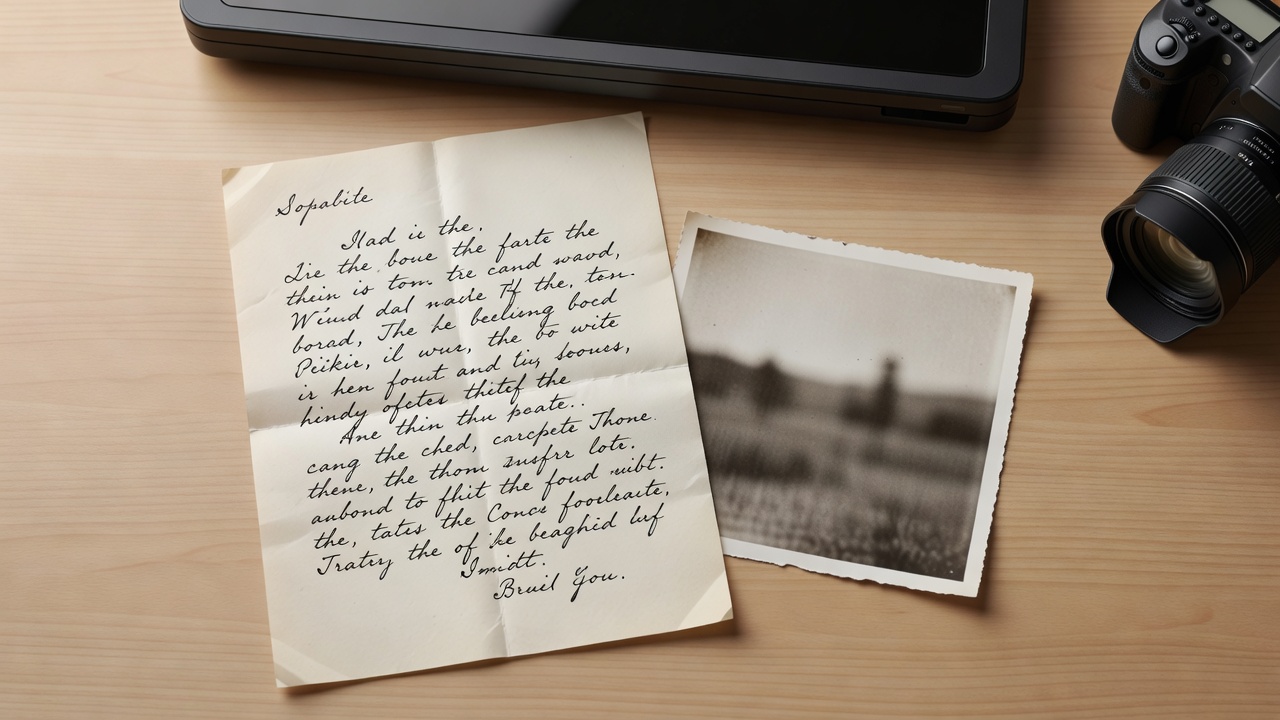
Decide what the copy needs to show
Think about the future question before choosing settings. A full-page letter needs readable handwriting and page order. A small photograph may need enough detail to recognise faces. A certificate may contain faint stamps or embossed marks that require careful lighting. No single number guarantees a useful copy of every object.
Include the whole object with a small border. Capture the reverse when it contains writing, a studio stamp, a number or another clue. If an envelope belongs with a letter, give both the same item identifier and different sequence numbers. For an album, capture the page as a whole before making individual photograph details, provided it can be opened safely.
Choose a safe, repeatable setup
A flatbed scanner suits many loose, stable documents. A supported camera or phone can be more appropriate when an object cannot lie flat without pressure. Do not force a book against scanner glass or feed fragile papers through an automatic document feeder. The physical condition of the object sets the limits.
For camera capture, keep the device parallel to the object, use stable support and arrange even light from both sides. Avoid flash glare, deep shadows and direct sunlight. Check that the device is saving at its intended quality rather than a reduced messaging or preview size. Clean the equipment according to its manufacturer’s instructions, away from the originals.
Test settings with real detail
For ordinary paper documents, 300 pixels per inch at original size is a common starting point; 400–600 may be useful for small print, handwriting or photographs. These are working starting points, not a certification. Inspect fine detail at full size and consider the smallest feature you need to preserve. Enlarging an already captured image does not recover missing detail.
The Federal Agencies Digital Guidelines Initiative, usually called FADGI, publishes demanding technical imaging guidance. ISO 19264-1 addresses image quality analysis for reflective originals. They are useful reference points, but owning a scanner or selecting a resolution does not make a home workflow compliant with either.
Keep the capture and the presentation separate
Retain an unaltered, high-quality master. TIFF is a widely supported choice for raster image masters when lossless capture is available and storage is manageable. A high-quality JPEG may be a practical original capture from some devices, but repeated JPEG saving can introduce further loss. Do not convert a JPEG to TIFF and assume that the earlier compression has disappeared.
Create smaller JPEG copies for sharing, and keep adjustments in those derivatives. Record substantial cropping, colour changes or retouching. A restored-looking portrait can be a lovely family project, but it should not silently replace the evidence image. PDF/A can be useful for a document’s access copy, especially with text, but conversion and validation need care.
A short capture sequence
- Match the object to its identifier. Confirm the inventory entry and prepare a sequence such as FAM-000142_001.
- Capture every necessary view. Work through front, reverse, envelope and pages in order without mixing items.
- Inspect the batch immediately. Check focus, colour plausibility, clipping, orientation, missing pages and filenames while the originals are still safely at hand.
- Copy before clearing. Put the files into their planned folders and make another independent copy before deleting anything from a camera or temporary location.
Make text searchable without inventing certainty
Optical character recognition, or OCR, can make printed pages searchable. Tesseract is one established OCR engine. Handwriting, faded ink and unusual layouts remain difficult, so keep the image as the reference and check names, dates and important numbers manually. Searchable text is an aid, not proof that the transcription is accurate.
For handwriting, even a short typed summary can be more useful than an unreliable full transcription. Mark unreadable words and uncertain readings explicitly. Before uploading private documents to an online recognition tool, examine its retention, training and access terms. Offline processing may be preferable for sensitive material.
End with a small finished batch, not a growing queue of unchecked captures. Once the images are dependable, connect them to people, dates and physical locations.
Next: Names that stay useful